

Event seating chart software for better floor planning
Eventscript is an event seating chart software built for real event setups. It lets you design your room layout in real scale, test different configurations, and build a complete seating plan together with your guest list.
All in one place. All before the event starts.
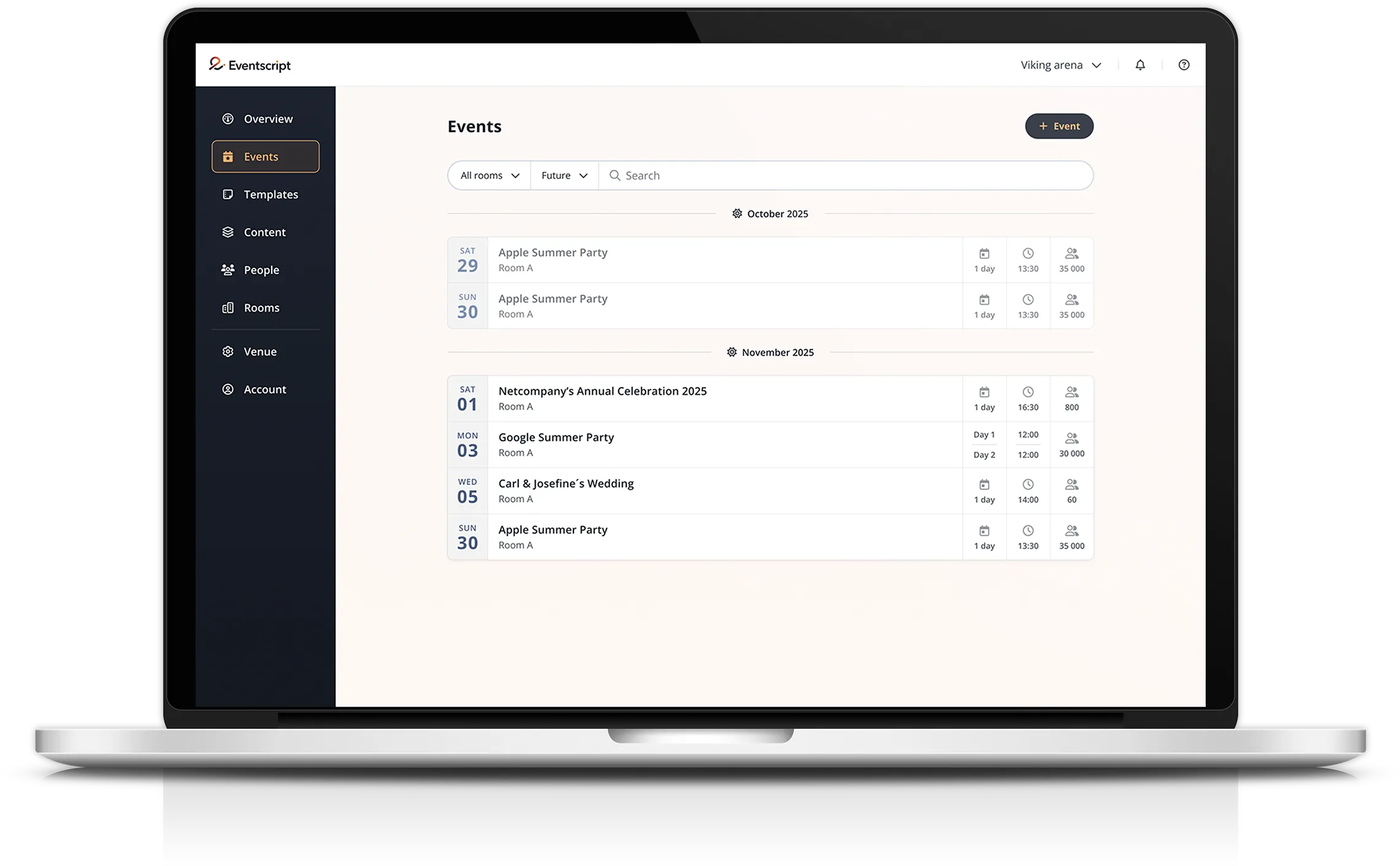
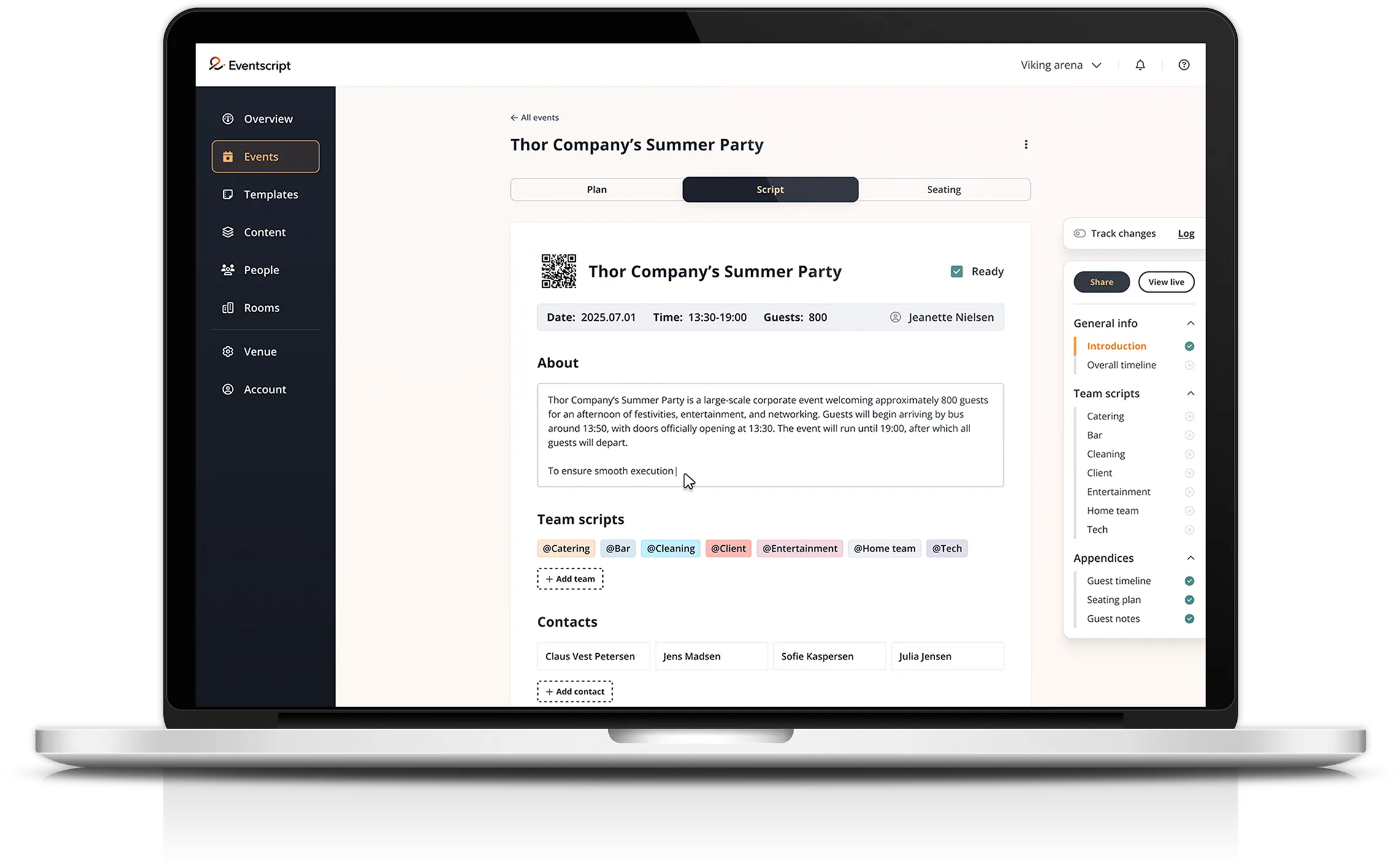


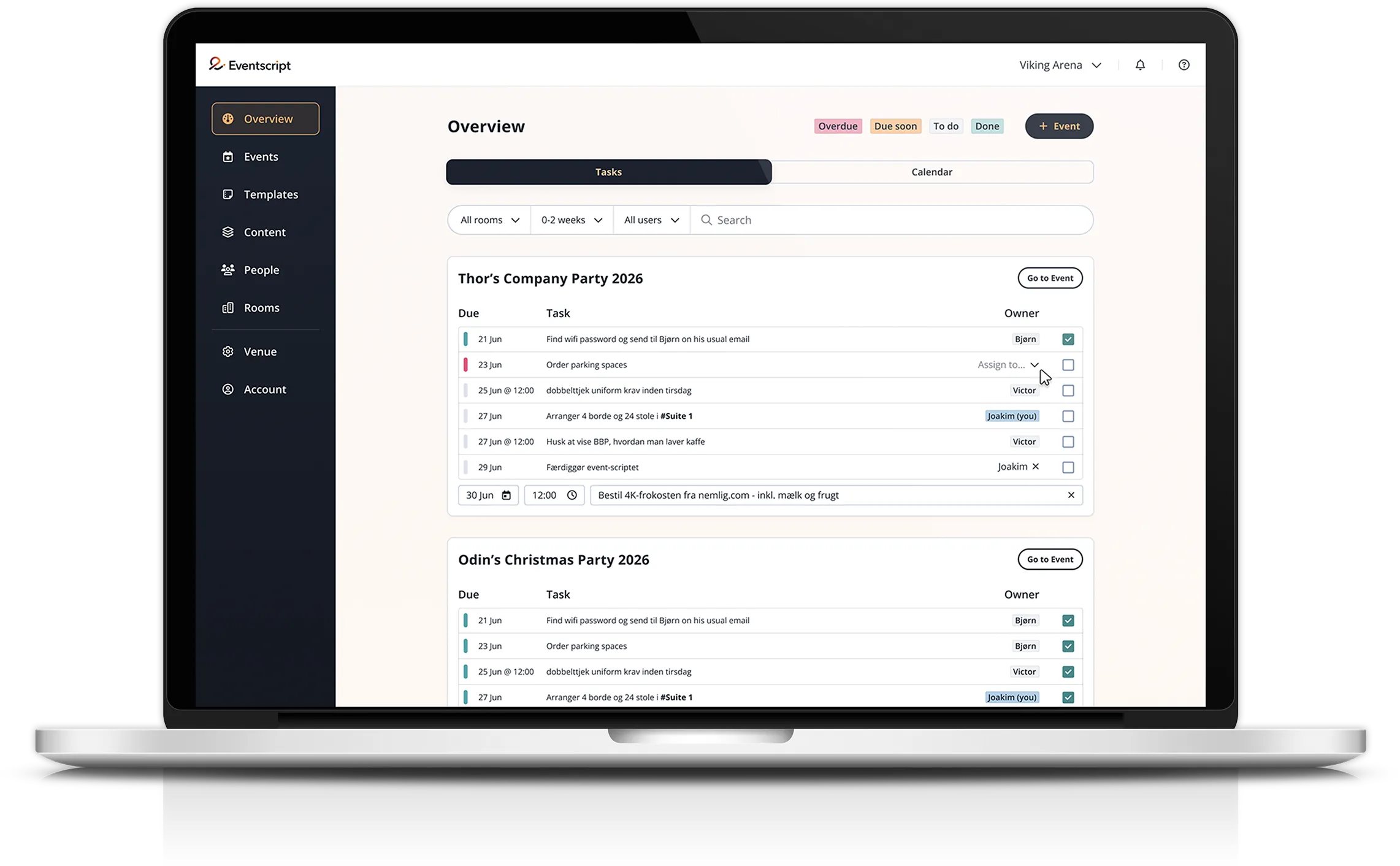
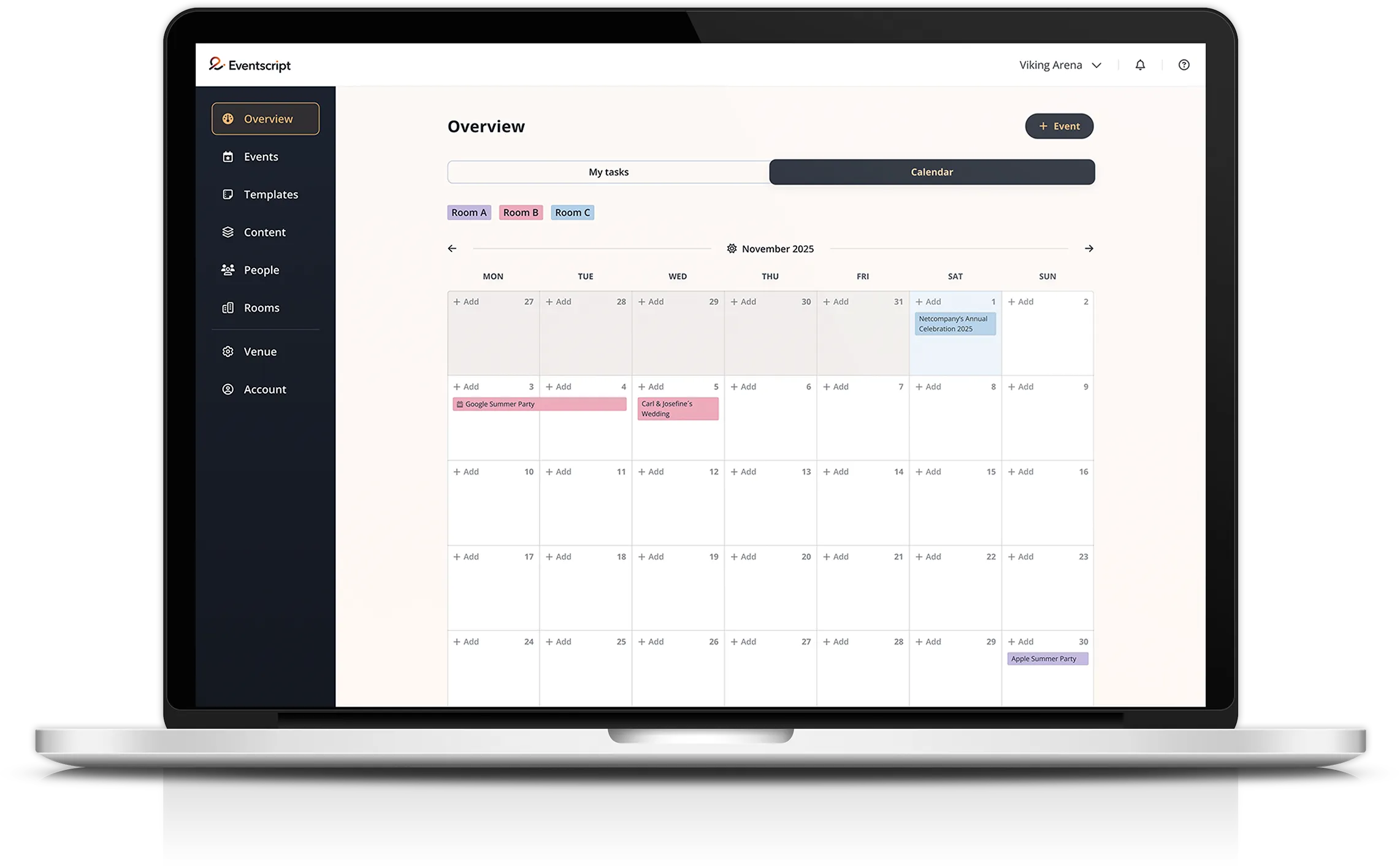
Replace manual layout work with our event floor plan software
Planning a room setup in your head or on a quick sketch only gets you so far. You do not know if the furniture actually fits until you try. And when the guest list changes, updating a seating plan across spreadsheets and emails quickly becomes slow and error-prone.
Eventscript’s event management software gives you one place to design, test, and finalise both your room layout and your seating plan.
No guesswork on setup day. No chasing the latest version of the guest list.
With Eventscript you can:
Room designer
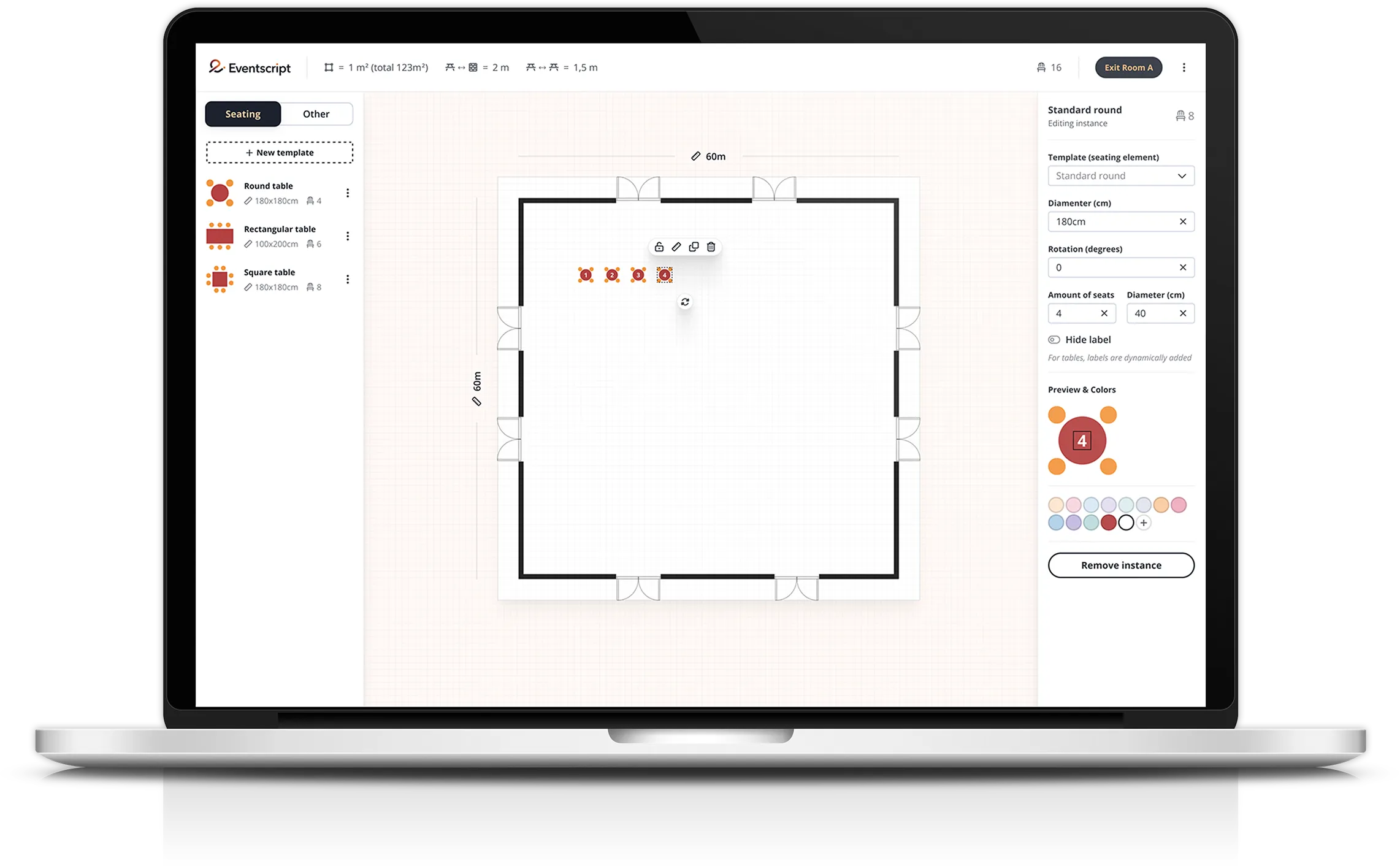
Design the room in real scale before anything is moved.

Different setups for different capacities
Test different setups and see exact capacity.

Import guest lists for easy seating
Import your guest list and place every guest.

Keep track of important guest notes
Track dietary requirements and allergies in the seating plan.
Build clear room setups
Before you can seat your guests, you need to know the room works.
Because everything is sized accurately, you can immediately see how the space will look and how many guests it can hold.
Test different configurations, compare layouts, and settle on the right setup without moving a single chair.
When setup day arrives, your team knows exactly what goes where.
Manage seating faster with event seating chart software
Once the room is ready, it is time to place your guests.
Dietary requirements, allergies, and other guest notes are visible directly in the seating plan. The right information is easy to find when it matters - whether that is in the kitchen or on the floor.
As the guest list evolves, the seating plan evolves with it. Move guests, adjust tables, and keep everything up to date without starting over.
Keep guest information connected to every seating plan
Placing guests is not only about where people sit. It is about making sure the right information reaches the right people.
Eventscript’s event seating chart software keeps guest details connected directly to the seating plan. Dietary requirements, allergies, preferences, and notes stay visible exactly where your team needs them.
Your kitchen knows what needs to be prepared. Your service staff knows who is seated where.
And your coordinators always have the full picture.
Use event floor plan software to reduce setup confusion
Eventscript’s event floor plan software gives your setup team a clear visual reference for exactly how the room should look, built in advance using the real dimensions of the space.
Combined with your event timeline and planning tools, your team has everything they need before the event begins - the room layout, the schedule, and the responsibilities.You can even invite clients to review or build the seating plan directly in the platform. Less back-and-forth. Faster sign-off.
See how floor planning works in Eventscript
Planning a room layout and seating plan should not take more time than necessary.
With Eventscript’s event seating chart software, your team can design the space, build the seating plan, and prepare the setup with far greater clarity.
The best way to understand it is to see it with your own venue in mind.
Book a demo with our Founder and CCO Victor and we will walk you through it.

Frequently asked questions
How does Eventscript help teams plan room layouts before setup day?
Eventscript’s event seating chart software allows you to create room layouts in advance using real dimensions.
You can upload floor plans or blueprints, place tables and areas, and test different setups before the event day. This makes it easier to prepare the room layout and confirm capacity before any physical setup begins.
Can guest seating, allergies, and dietary requirements be managed in the same seating plan?
Yes. Guest lists can be imported or added manually, and each guest can include information such as dietary requirements, allergies, or special notes.
This information stays connected to the seating plan so teams such as kitchen staff or service teams can easily access the details they need during the event.
How easy is it to update seating when guest lists change?
Updating seating is simple. Guests can be added, removed, or moved between tables as the guest list changes.
The event floor plan software updates instantly, allowing teams to adjust layouts and placements without rebuilding the plan from scratch.